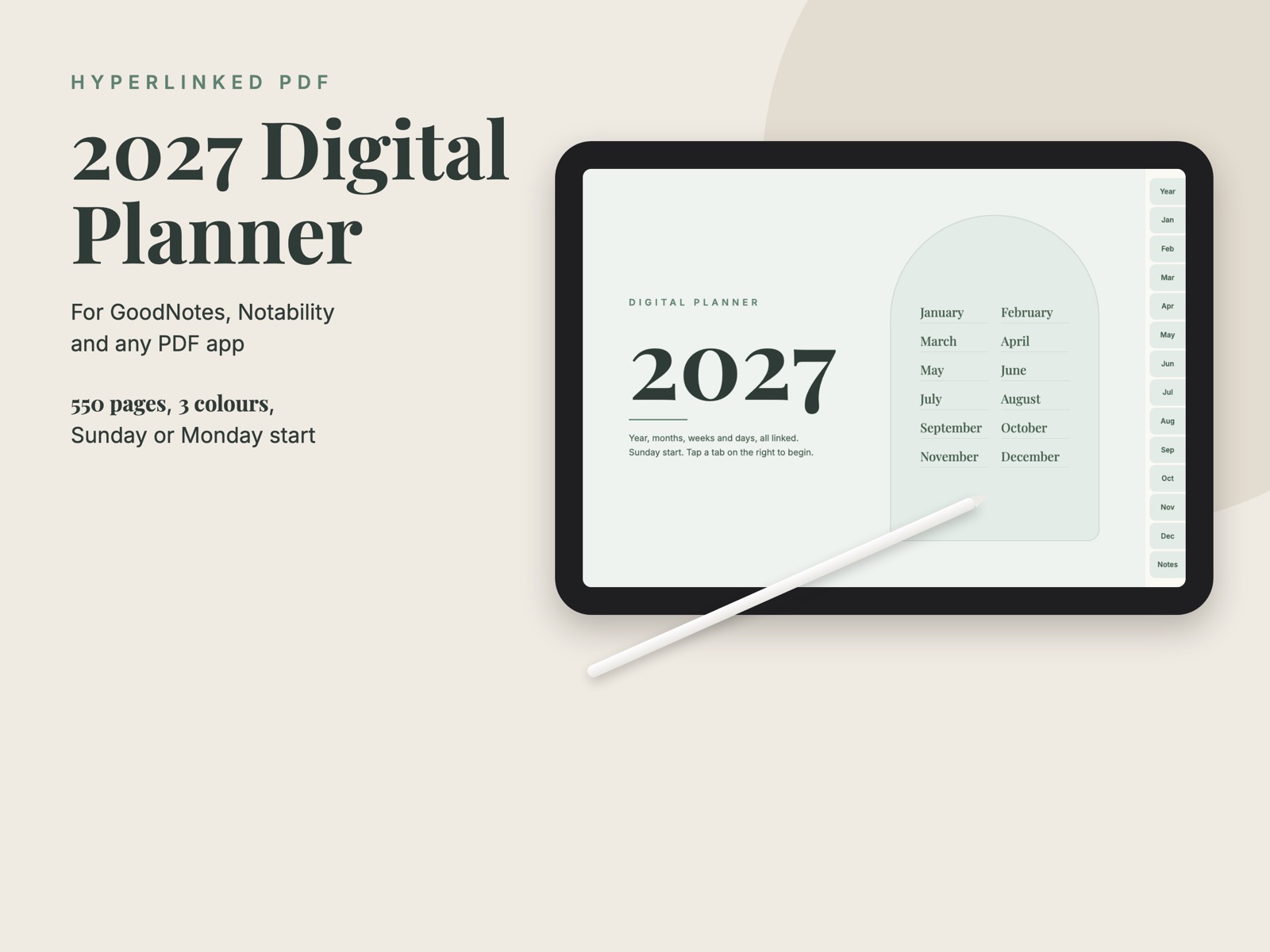
Open it in GoodNotes, Notability, Noteshelf or any PDF app on your iPad and write on it with your pencil. Tap a month tab on the right to jump there, tap a date to open that day, tap a week number to open the week. Every page links back up, so you never scroll through 550 pages.
What is inside
- A cover with a month index and a year page where every date opens its day page, plus space for key dates.
- For each month: a calendar page, a goals and habits page (focus word, top 3 goals, a vision box, a 10-habit tracker) and a month review.
- For each week: an overview with a box for every day and your priorities, and a time-block schedule from 6am to 9pm. Week 1 is the week with 1 January in it.
- A page for every day of 2027: hourly schedule, top 3, to do, grateful for and notes, with links to the day before and after.
- Eight notebooks with lined, grid, dot and blank paper.
- Six PDFs in the download: three colours (sage, navy, blush), each with weeks starting on Sunday or on Monday. Landscape, 550 pages each.
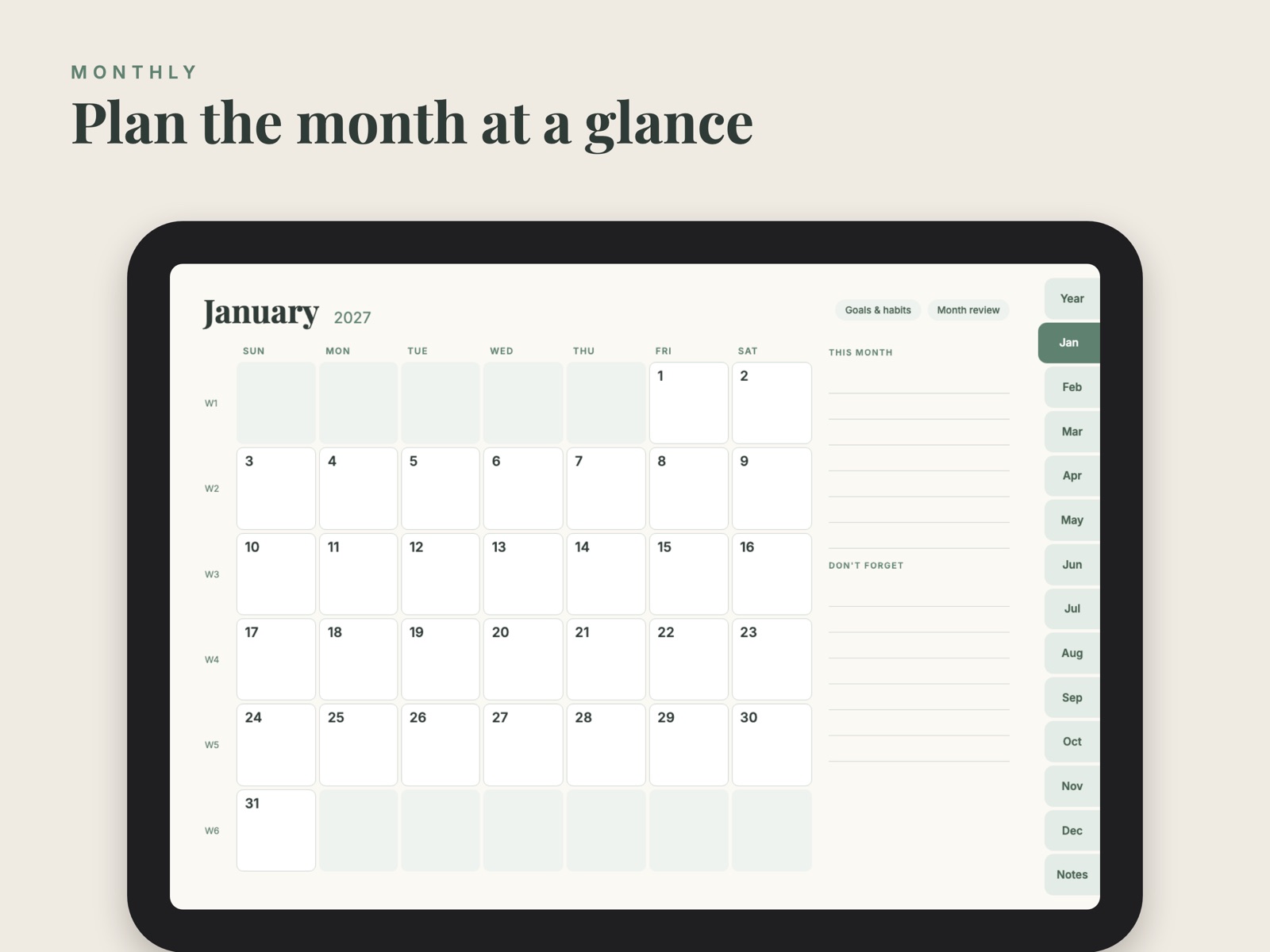
Month
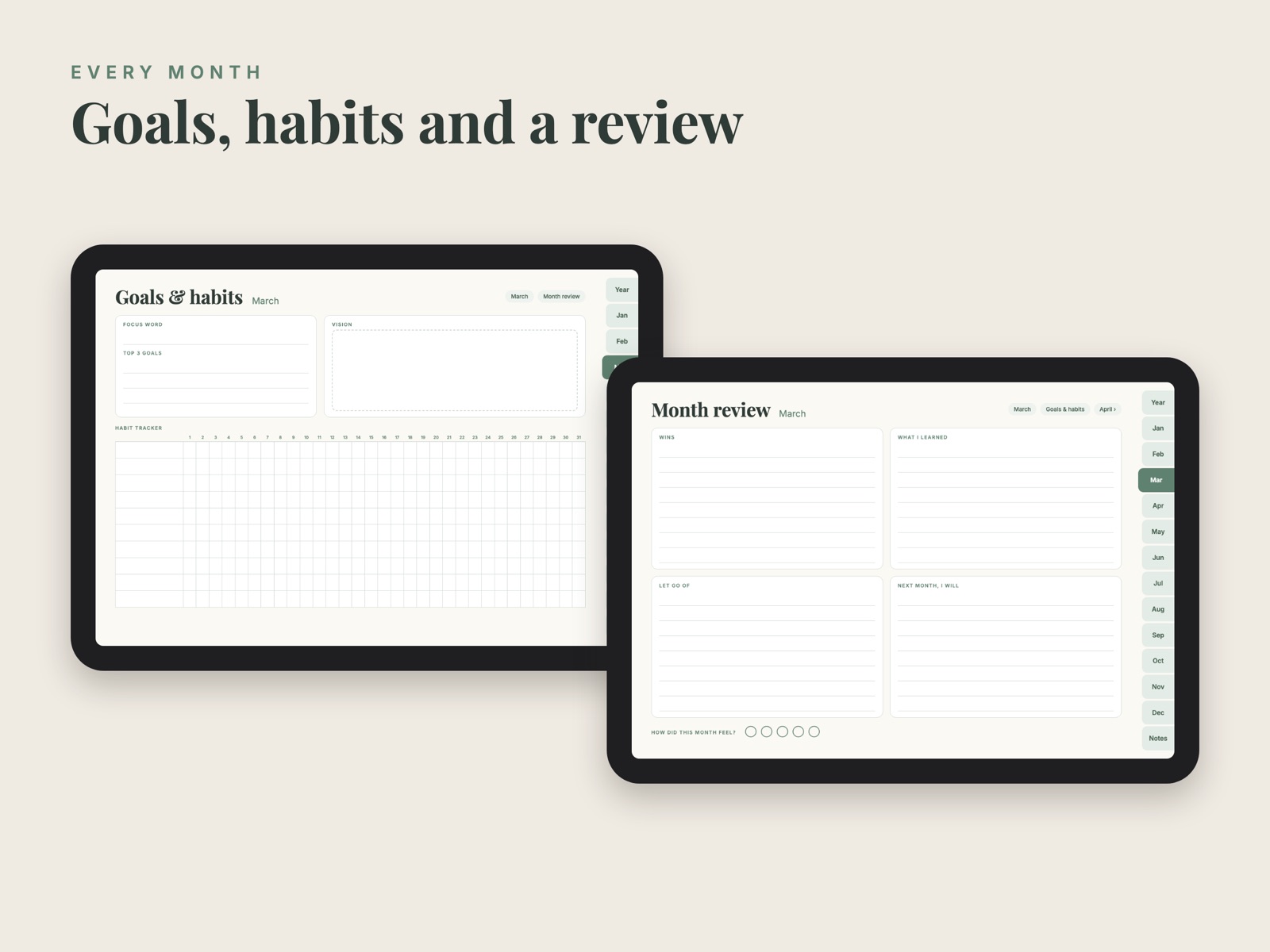
Goals, habits and review
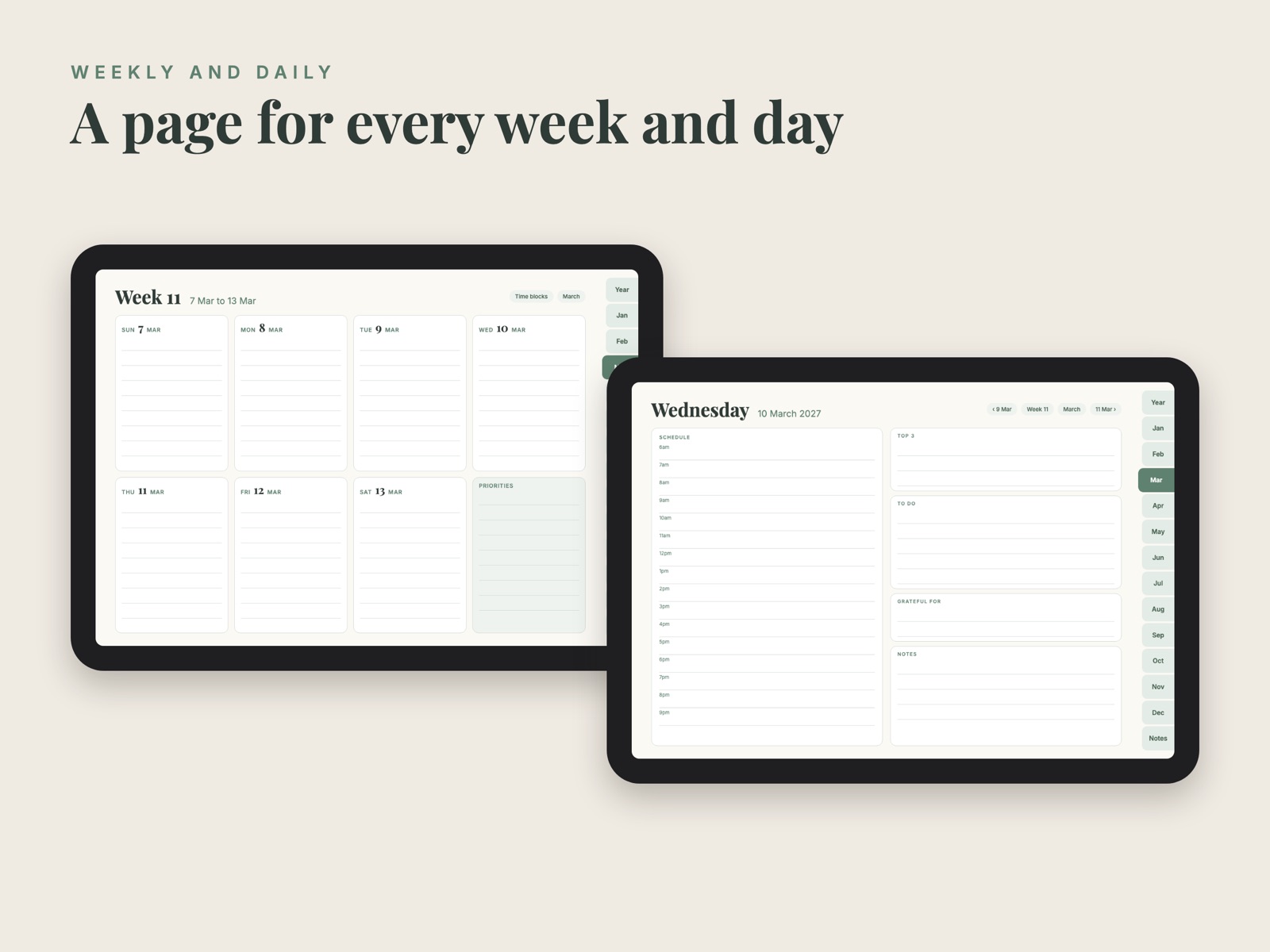
Week and day
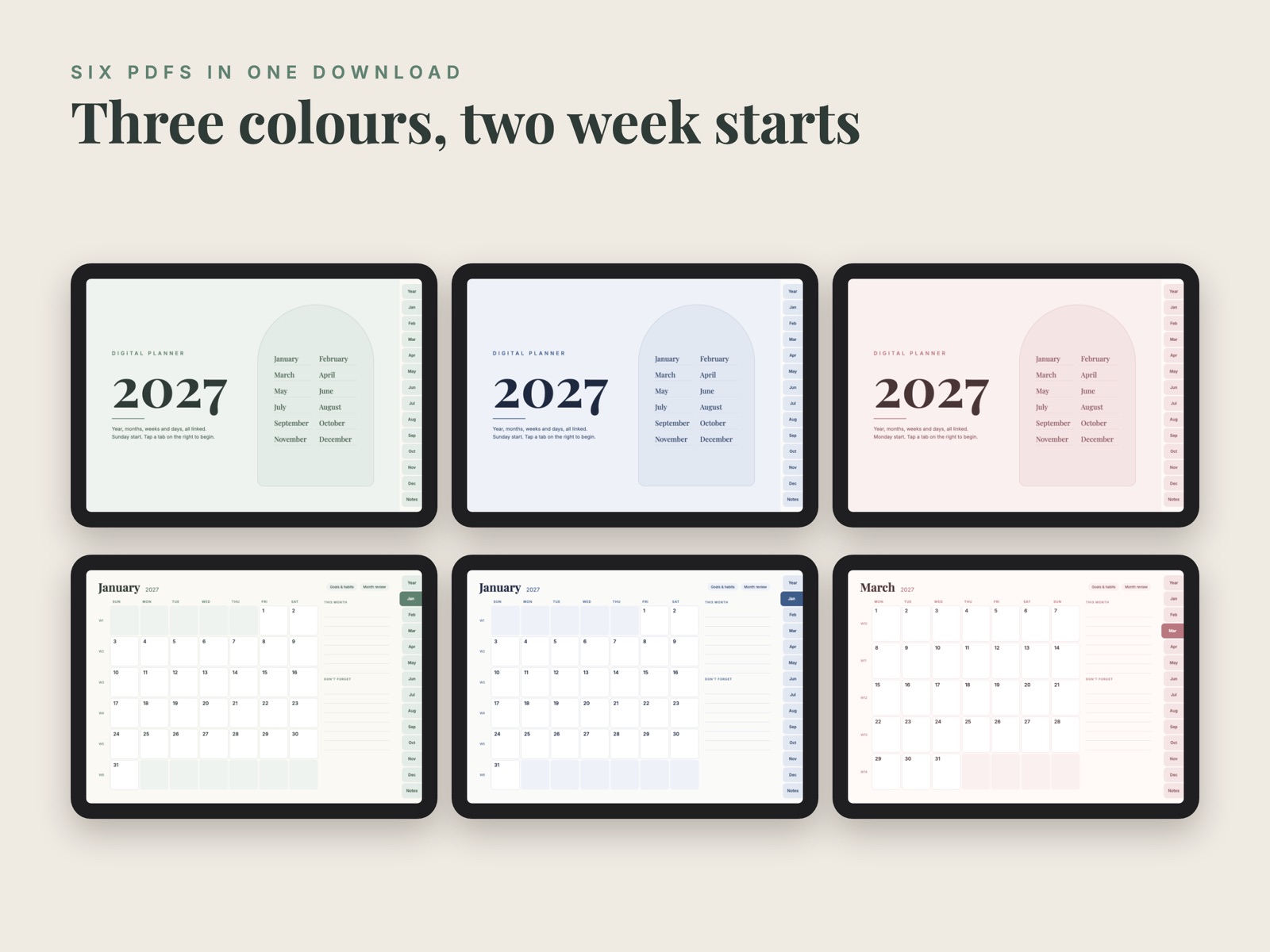
Three colours
Try January first, free
The free sample has the cover, the year page, January with its goals, review, weeks and all 31 days, and one page of each notebook, so you can check that it works in your app before you buy. Only the January links work in the sample.
January sample, Sunday start (PDF, 2 MB) January sample, Monday start (PDF, 2 MB)The full 2027 planner
$9
One payment, instant download of all six PDFs. Checkout is handled by Polar, our merchant of record. If it does not work for you, write within 14 days and we will refund it.
Get the 2027 plannerHow to import: in GoodNotes tap + then Import and pick the PDF; in Notability tap Import. Keep the PDF in one piece so the links keep working.
© Lumineus Studio. Write to [email protected] with questions. Privacy Terms