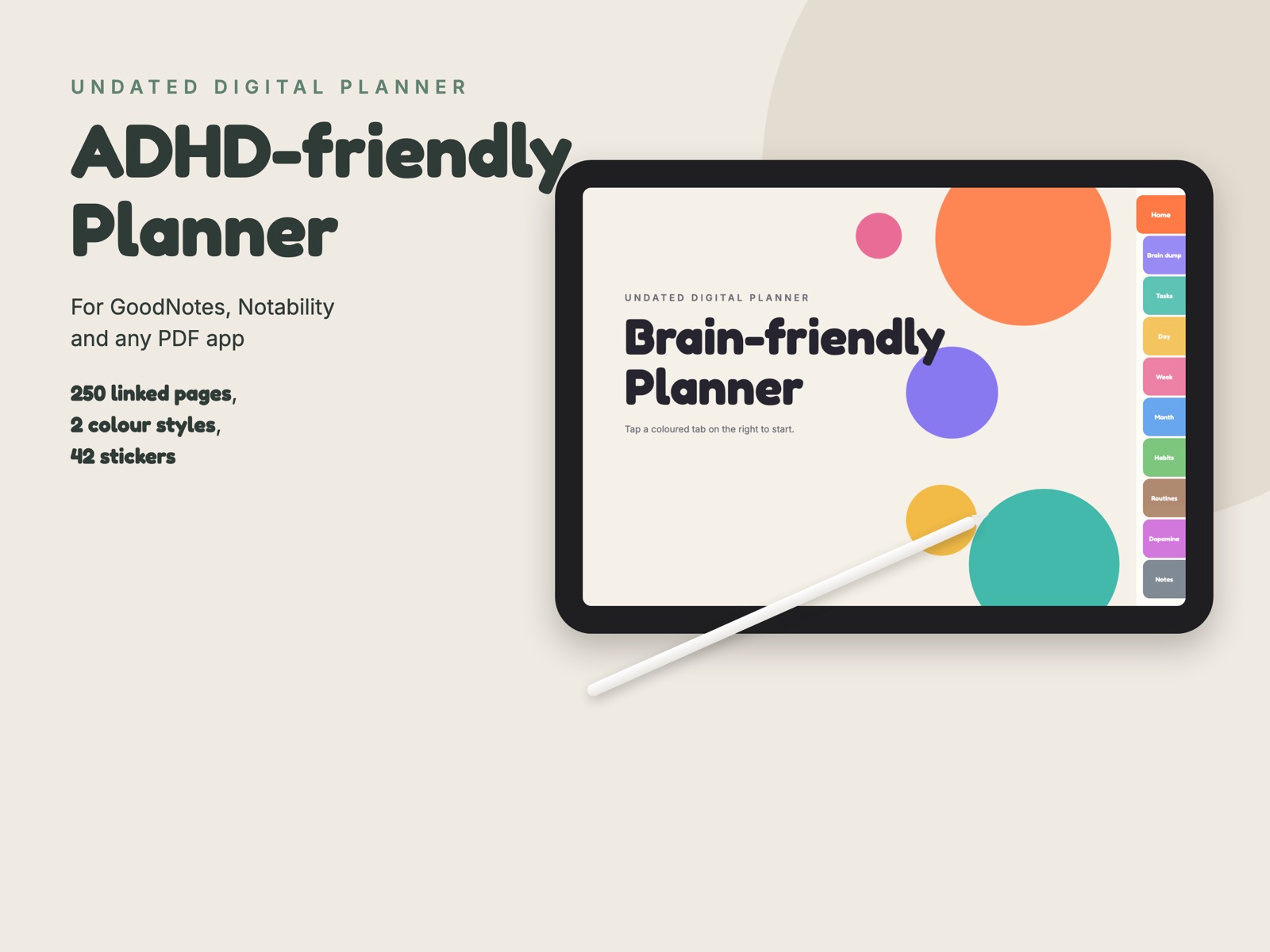
A planner that does not care if you skip a week. No dates are printed: write the date when you use a page, and start again any day. Each section has its own coloured tab, so you can get to what you need in one tap. Open it in GoodNotes, Notability, Noteshelf or any PDF app on your iPad.
What is inside
- Brain dump pages to empty everything out, with space to sort it into do today, schedule and let go.
- Task breakdown pages: the big task, the first tiny step, up to ten steps with time and a done box.
- 120 day pages: date, energy level, water, top 3, must do and nice to do, a done list, notes and time blocks.
- 52 week pages with a weekly reset checklist, and 12 month pages with goals and dates to remember.
- 12 habit trackers, morning and evening routines, and a dopamine menu to fill with things that help you get going.
- 20 notes pages, lined and grid.
- Two colour styles, bright and pastel, each with weeks starting on Sunday or on Monday, about 250 pages each, plus 42 stickers (labels, timers, checks, sticky notes, arrows) as PNG files for GoodNotes.
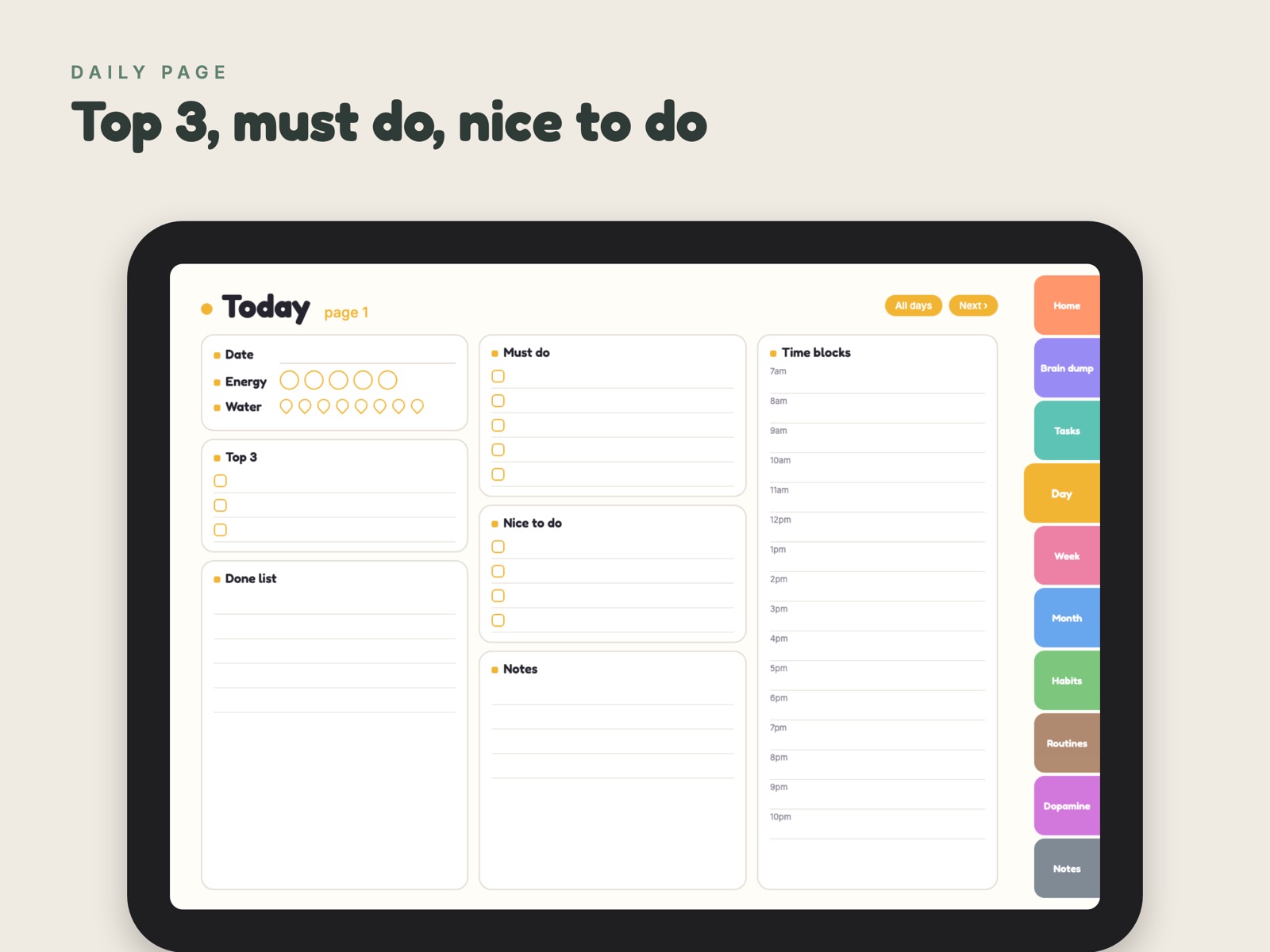
Day
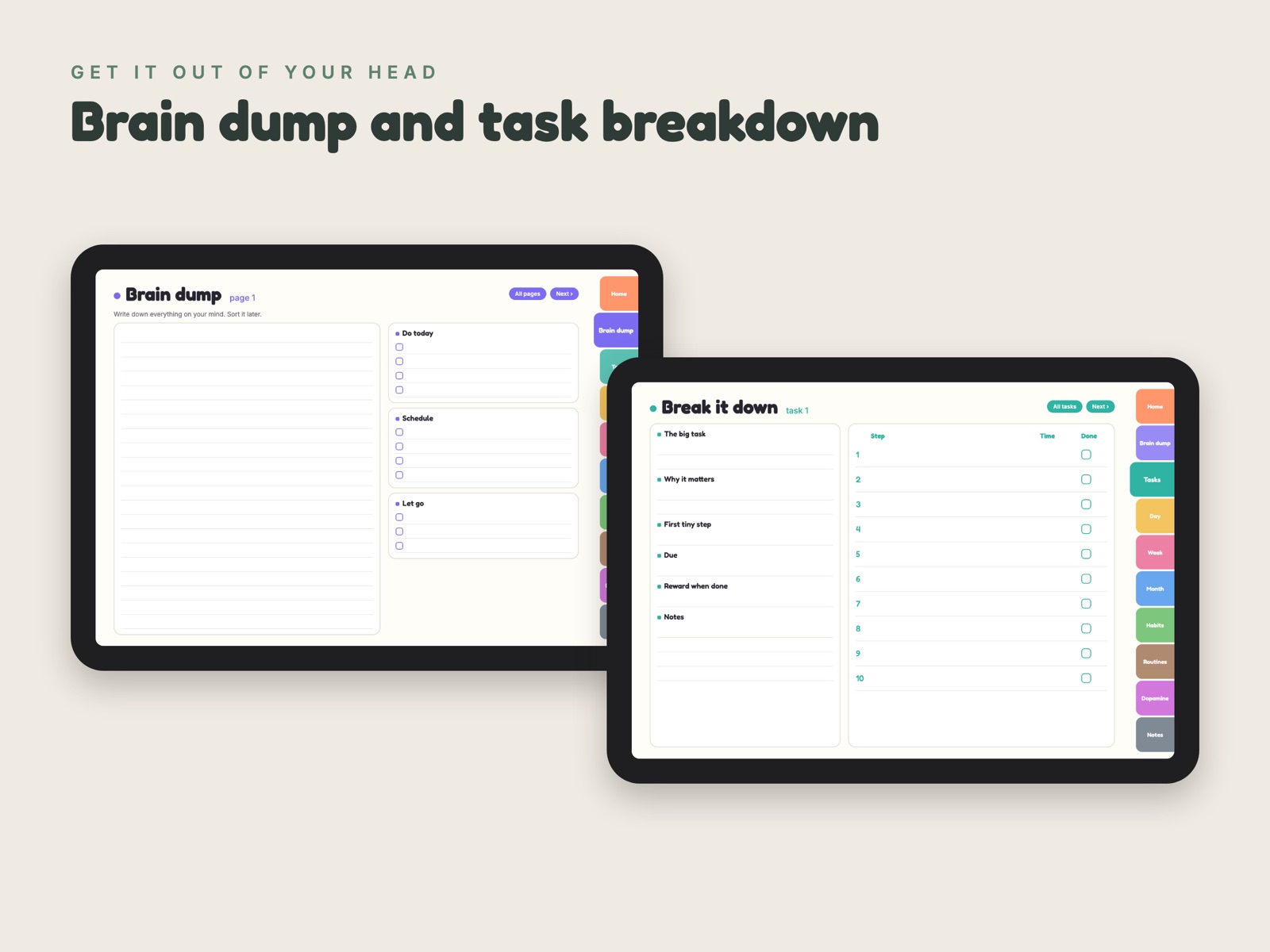
Brain dump and tasks
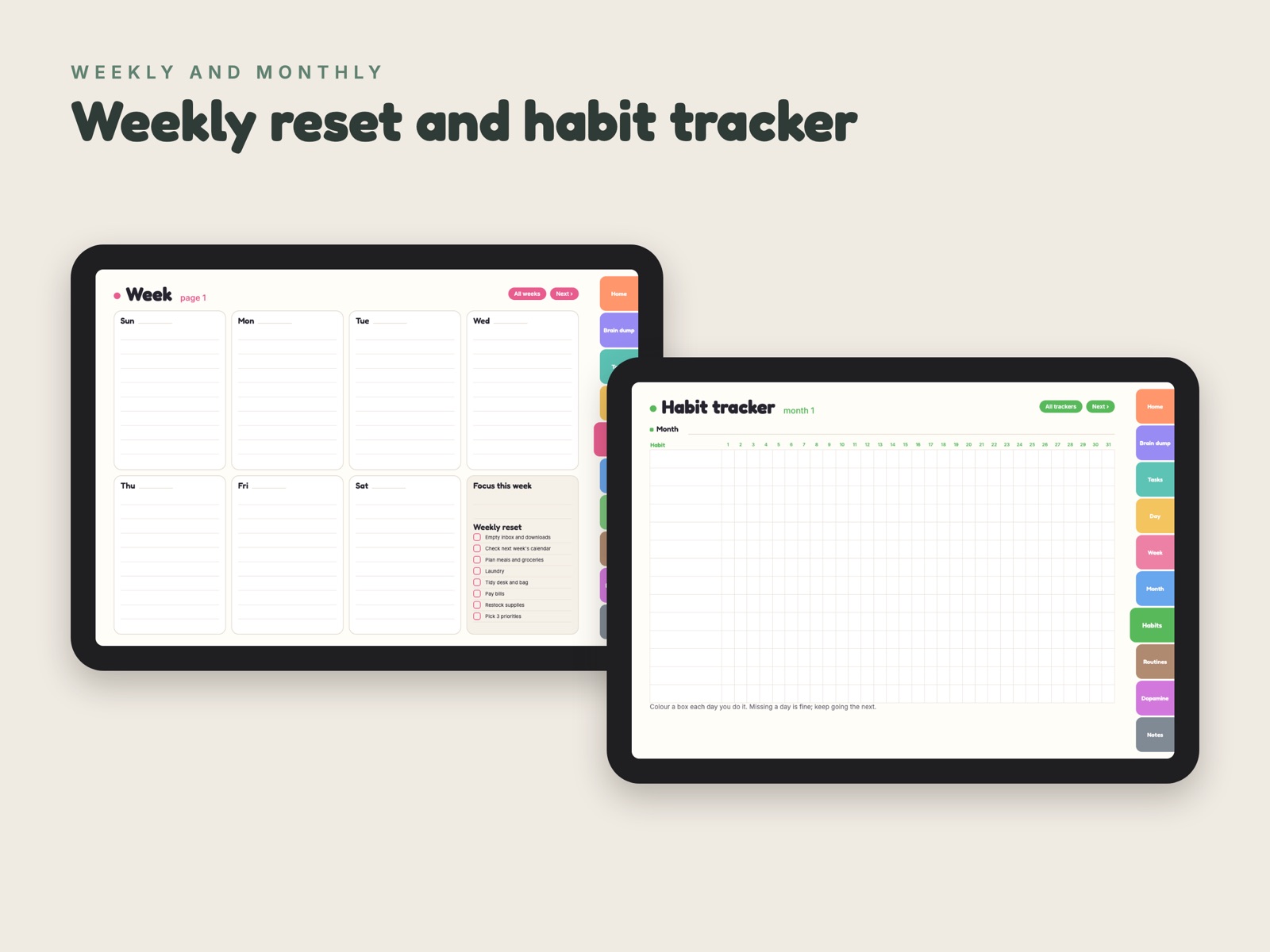
Week and habits
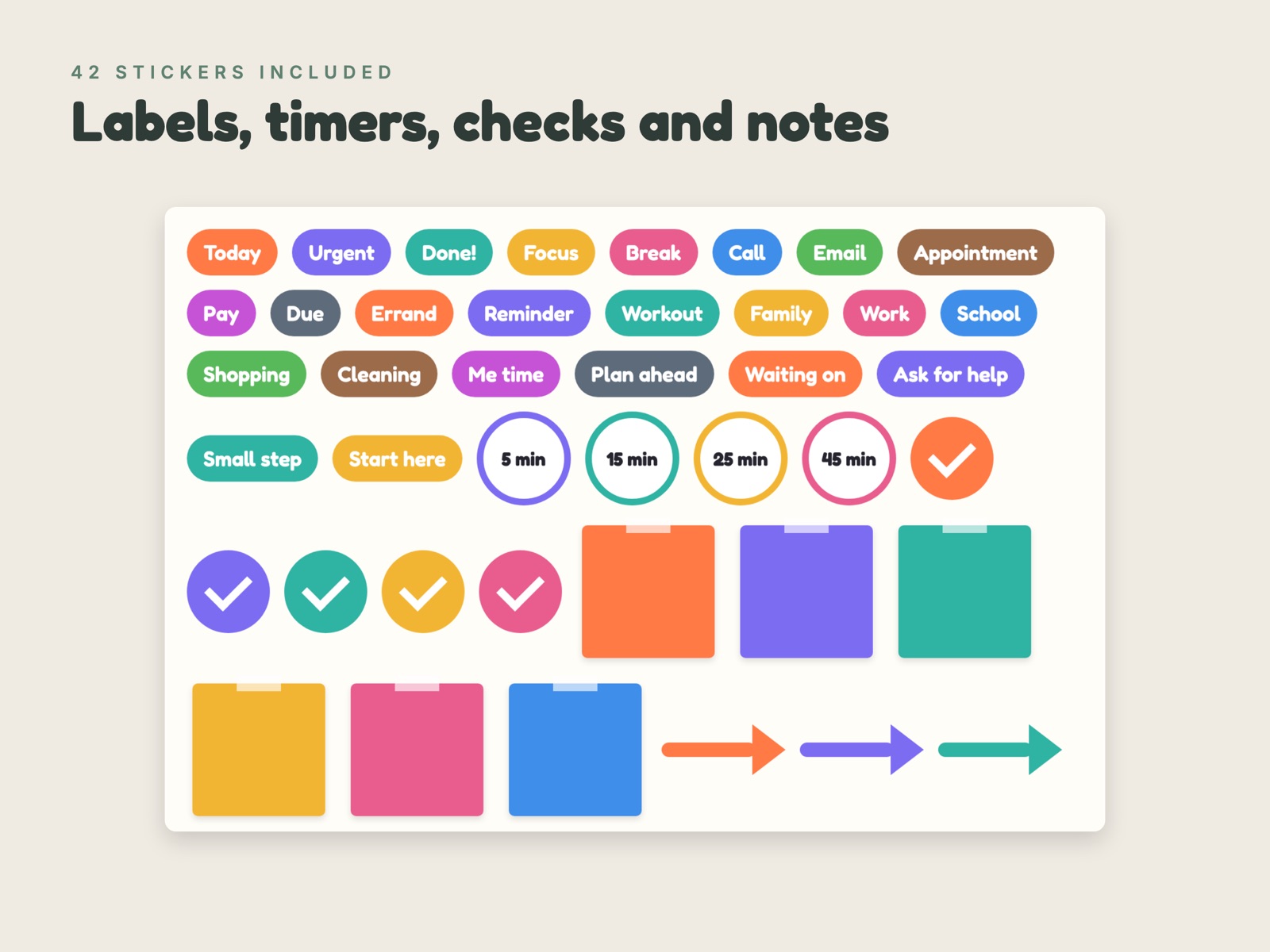
42 stickers
This is a planning layout. It is not medical advice or treatment.
Try it first, free
The free sample has the cover, the start page and three pages of every section in the bright style, so you can check that it works in your app before you buy.
Free sample, Sunday start (PDF, 1.7 MB) Free sample, Monday start (PDF, 1.7 MB)The full planner
$7
One payment, instant download of four PDFs (two colour styles, Sunday or Monday start) and the sticker pack. Checkout is handled by Polar, our merchant of record. If it does not work for you, write within 14 days and we will refund it.
Get the plannerHow to import: in GoodNotes tap + then Import and pick the PDF; in Notability tap Import. To add stickers in GoodNotes, open the sticker tool and import the PNG files. Keep the PDF in one piece so the links keep working.
© Lumineus Studio. Write to [email protected] with questions. Privacy Terms